Someone has to restart it
Many presentation workflows assume a person is nearby to advance, replay, or recover the display.
 ClayWare Games
iPad kiosk presentation loop
vloop Pro is made for the familiar booth, kiosk, and lobby problem: the screen needs to keep showing the right videos, images, and PDF slides while everyone is busy somewhere else.
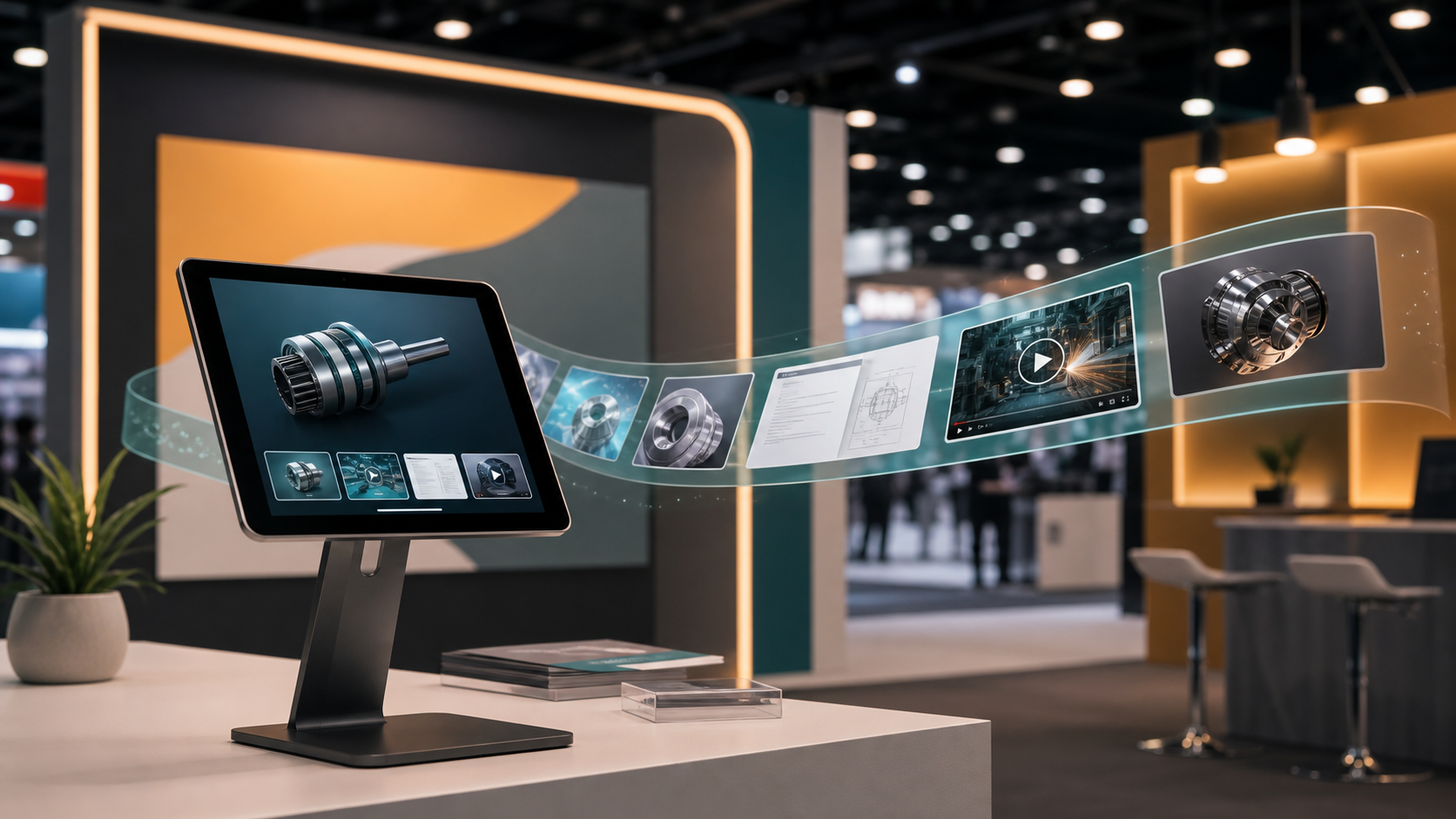
The problem
Many presentation workflows assume a person is nearby to advance, replay, or recover the display.
Real displays often need product photos, short videos, and PDF sheets in one repeatable sequence.
A kiosk or booth tablet should stay on the presentation instead of exposing controls or other apps.
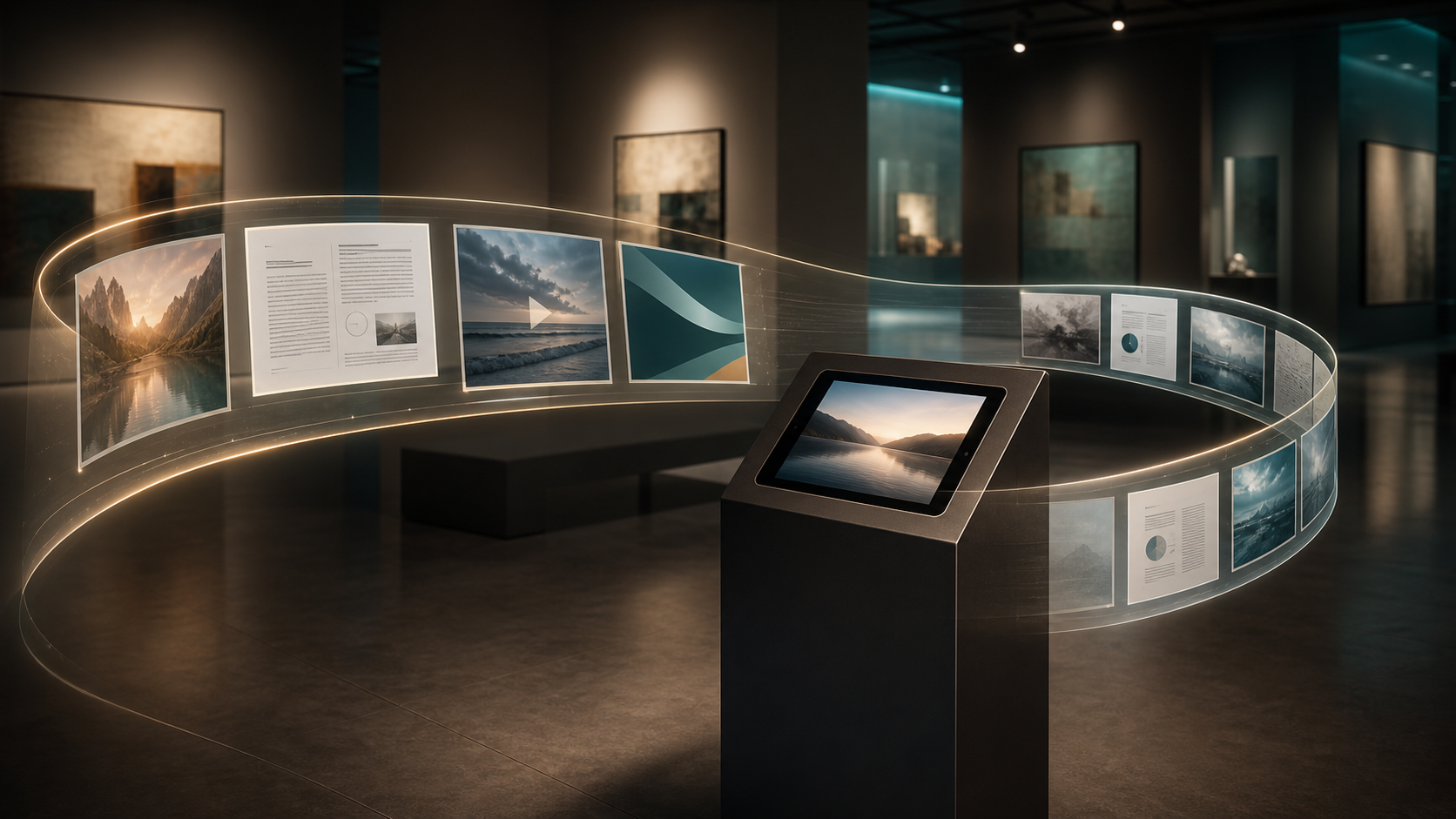
The solution
vloop Pro gives the iPad one clear responsibility: keep the selected media running in a controlled loop for walk-up viewers.
Pricing
Single presentation loop
Set up one presentation and let it loop indefinitely.
Pro upgrade
Save multiple presentations, include multiple files in a presentation, and use lightweight monitoring to confirm a display is still running.
The vloop Pro codebase gates these current Pro features behind the Enterprise Feature Set purchase. The app displays the live StoreKit price from the App Store; the current listed price is $7.99/year.